
RAM Reviews, Upgrades & Buying Guides
Find compatible DDR4 and DDR5 memory upgrades, performance benchmarks, and buying recommendations for modern mini PCs, desktops, laptops, and NAS systems. (SO-DIMM, DIMM, and ECC)
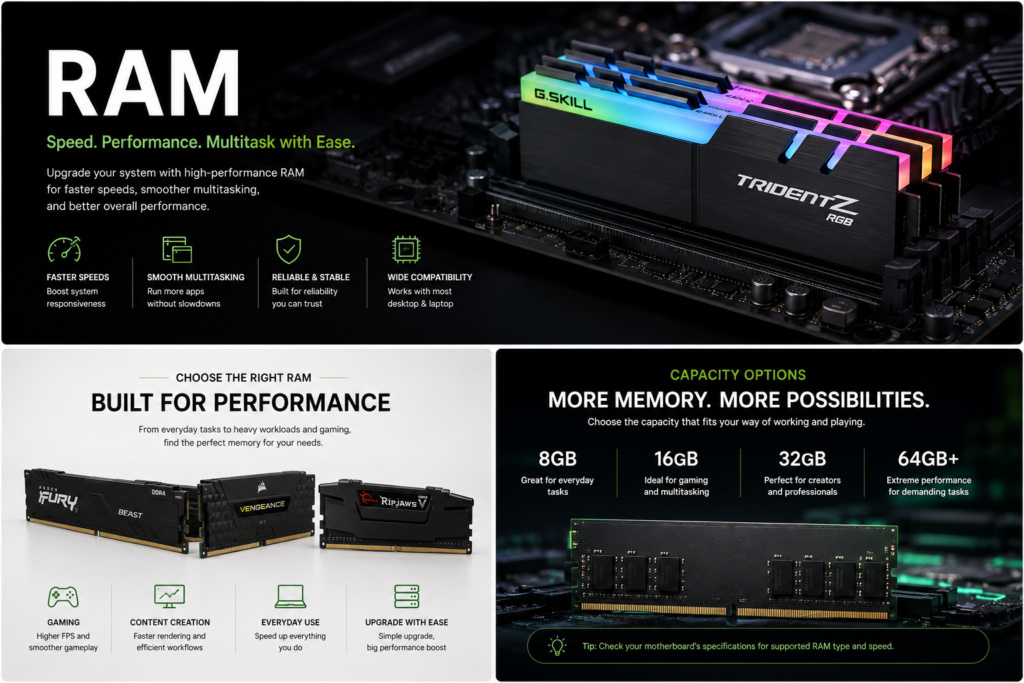
Mini PC RAM Upgrade Guide
JEDEC, XMP/EXPO, DDR4 vs DDR5 & Choosing the Right Memory
Upgrading RAM is one of the simplest and most effective ways to improve a Mini PC’s multitasking performance. Whether you’re using your system for:
- office work
- content creation
- software development, virtualization
- or gaming
selecting the right memory is just as important as choosing the right processor or SSD.
Before buying new RAM, it’s important to understand the difference between JEDEC, XMP/EXPO, and the DDR memory standards used by modern Mini PCs.
The Golden Rule: Only Buy JEDEC RAM for Mini PCs
Most standard mini PCs (like the Beelink SER8 or Minisforum units) utilize locked, compact laptop-style motherboards. Unlike large gaming desktop towers, mini PC systems do not support custom memory voltage adjustments or automated overclocking profiles.
When buying a RAM upgrade, you must select a kit that runs on the JEDEC standard profile natively at 1.1 Volts (for DDR5) or 1.2 Volts (for DDR4).
What happens if you buy Intel XMP or AMD EXPO kits?
If you purchase high-performance gaming RAM advertised with Intel XMP or AMD EXPO capabilities, one of two frustrating things will happen when you boot your mini PC:
The Downclock Penalty: Because the mini PC BIOS cannot deliver the extra voltage required to trigger the XMP/EXPO overclock, the RAM will default to its safest baseline speed. Your expensive 6000 MT/s enthusiast kit will downclock to a crawling 4800 MT/s or 3200 MT/s—wasting your money entirely.
The Black Screen (Failure to Boot): If the RAM stick doesn’t contain a compatible JEDEC baseline table, the mini PC will reject it completely. The power light will turn on, but the screen will remain completely black, causing a loop of instability.
Shopping Checklist: Avoid RAM marketed as “Extreme,” “Overclocked,” “XMP Ready,” or “EXPO.” Instead, stick to true plug-and-play kits from Crucial, Kingston (ValueRAM or FURY Impact JEDEC Tiers), or Teamgroup that reach their full advertised speeds natively at 1.1V.
Why Certain Brands Are Best for Mini PCs
While brands like Corsair, G.Skill, and Samsung make excellent memory, experts frequently recommend Crucial, Kingston (ValueRAM/Fury JEDEC), and Teamgroup for Mini PCs due to three simple factors:
True Plug-and-Play: These specific modules are built to run at their maximum advertised speed automatically, without needing you to change any settings.
No XMP Required: Many other premium brands “hide” their high speeds behind XMP/EXPO overclocking profiles. Because most Mini PCs have locked BIOS menus, those RAM sticks will default to a much slower speed.
Direct from the Factory: Crucial is owned by Micron (who actually manufactures the memory chips), ensuring maximum compatibility and stability in compact systems.
Advice for Readers: You can buy any brand you like, but always check the specifications. Ensure the RAM reaches its advertised speed at standard JEDEC voltage (1.1 V for DDR5), rather than relying on an XMP or EXPO profile.
Crucial vs. Kingston vs. Teamgroup: Which is Best for Your Mini PC?
No single brand is universally “better”—it simply depends on what you want out of your machine:
Choose Crucial for maximum stability. Owned directly by memory chip manufacturer Micron, they offer the safest, coolest-running, and most reliable standard modules on the market.
Choose Kingston (Fury Impact JEDEC) for pure performance. They use ultra-fast SK Hynix chips with lower latency (quicker response times) and include built-in heat spreaders for heavy workloads or gaming.
Choose Teamgroup for value. They provide highly reliable, standard-compliant plug-and-play memory at a much lower price point.
The Verdict: Buy Crucial for bulletproof compatibility, Kingston for a slight speed boost, and Teamgroup to save money. All three will work perfectly out of the box without any BIOS tweaking.
Clock Speed vs. Data Rate: MHz vs. MT/s Explained
MHz (Megahertz) measures the speed of the clock (how fast the hardware ticks).
MT/s (MegaTransfers/second) measures the speed of the data (how much work gets done per tick).
Because modern memory (DDR) transfers data twice per clock tick, the data speed (MT/s) is always double the clock speed (MHz).
Example: A memory stick running at a clock speed of 3000 MHz delivers a data rate of 6000 MT/s.
Mini PC Memory: Standard DIMM vs. SO-DIMM Compatibility
You cannot choose which one to use. Every individual Mini PC is built to support only one specific type of RAM.
95%+ of Mini PCs are hardwired to use SO-DIMM (laptop RAM) to save space.
A few larger Mini PCs (often called “SFF” or Small Form Factor PCs) are designed to use standard DIMM (desktop RAM).
The Ultimate Rule: Check Your Manual Before Buying
Do not buy RAM blindly. Because Mini PC motherboards are custom-built, they are physically incompatible with the wrong type of memory.
Here is exactly how to ensure you buy the correct module:
Identify the Form Factor: Check your Mini PC’s specifications. If it requires SO-DIMM (laptop RAM), standard desktop RAM will not physically fit in the slot. If it requires DIMM (desktop RAM), SO-DIMM will be too small.
Match the Generation: Ensure you buy the correct DDR generation (e.g., DDR4 vs. DDR5). A DDR5 module will not fit into a DDR4 slot, even if it is the correct SO-DIMM size.
Warning to Readers:
Standard desktop RAM and laptop SO-DIMM RAM are physically different sizes. A Mini PC will only accept the exact module type stated in its manual—buying the wrong one means it will not fit inside the computer.
Avoid the Traps: 3 Critical Rules Before Buying Mini PC RAM
Rule 1: Dual-Channel vs. Single-Channel (The “1 vs. 2 Sticks” Rule)
The Warning: Never buy just a single stick of RAM (e.g., one 16GB stick) if your Mini PC supports two. Running a single stick forces the system into “Single-Channel” mode, cutting your memory bandwidth in half.
The Advice: Always buy a matching kit of two sticks (e.g., two 8GB sticks for 16GB total). This enables “Dual-Channel” mode, which dramatically boosts performance—especially for the Mini PC’s built-in graphics
Rule 2: High Capacity Limits (The “Density Drop” Trap)
The Warning: If you want to maximize your Mini PC with massive amounts of RAM (like 64GB or 96GB), you need to check the processor’s actual limits.
- The Advice: Maximizing your Mini PC with extreme capacities (like 64GB or 96GB) strains the CPU’s memory controller. To stay stable, the system will automatically force the RAM to run at slower speeds (e.g., dropping from 5600 MT/s to 4800 MT/s). Always check your Mini PC’s official limits before buying overkill sizes.
Rule 3: Watch Out for “Soldered” RAM (LPDDR5/LPDDR5X)
The Warning: Some ultra-thin Mini PCs don’t use SO-DIMM slots at all. Instead, they use LPDDR5 or LPDDR5X memory, which is permanently soldered directly onto the motherboard.
The Advice: If a Mini PC description says “LPDDR5,” it cannot be upgraded later. Readers must buy the exact amount of RAM they need right out of the gate, because they will be stuck with it forever.
- Warning to Readers: If you choose a Mini PC with LPDDR5 memory, buy the model with the highest capacity you will ever need (e.g., 32GB instead of 16GB) right out of the gate. You will never be able to add more memory to it.
Compare prices and availability across trusted retailers:
Disclaimer: This site is reader-supported. When you buy through links on my page, I may earn an affiliate commission at no extra cost to you.
Find the Right RAM for Your System
Bulleted Warning
Compatibility Check:
Before selecting your memory, double-check two key details in your Mini PC manual:
Form Factor: You must use SO-DIMM (laptop) RAM—desktop sticks will not fit.
Generation: Choose DDR4 or DDR5 based on your CPU and motherboard (they are physically incompatible with each other).